JOIN WHATSAPP
STORIES

UPSC IES/ISS 2024 Cut-off Marks Released – Download Official PDF for Indian Economic & Statistical Service Exams

UPSC IES/ISS 2024 Cut-off Marks Released – Download Official PDF for Indian Economic & Statistical Service Exams

The Union Public Service Commission (UPSC) has officially released the cut-off marks for the Indian Economic Service (IES) and Indian Statistical Service (ISS) Examination 2024. Candidates who appeared for the exam can now download the official cut-off marks from the UPSC website in PDF format. The cut-off marks represent the minimum scores required by candidates to qualify for the next stage of the recruitment process — the personality test or interview. The IES and ISS exams are highly specialised UPSC examinations that recruit candidates for key analytical and advisory roles in various central government departments.

I am writing about this announcement because the release of UPSC’s official cut-off marks is one of the most awaited updates for aspirants. It gives clarity on the final qualifying standards and helps future candidates understand the level of competition in these highly technical exams. For those preparing for the next IES/ISS cycle, these cut-off marks serve as a practical benchmark for planning study strategies and assessing the difficulty level of the 2024 paper.

Overview of UPSC IES/ISS Examination 2024

The UPSC Indian Economic Service (IES) and Indian Statistical Service (ISS) examinations are conducted annually to select candidates for Group A positions in the Ministry of Finance and other government departments. These services play a crucial role in economic planning, policy formulation, data analysis, and statistical research.

The selection process involves two main stages:

  1. Written Examination: A descriptive test assessing subject-specific knowledge in economics or statistics, along with general studies and English.
  2. Personality Test / Interview: For candidates who qualify the written stage, focusing on overall analytical ability, communication, and subject expertise.

The 2024 exam was held earlier this year, and with the declaration of final results, UPSC has now published the official category-wise cut-off marks for transparency.

How to Download UPSC IES/ISS 2024 Official Cut-off Marks PDF

Candidates can download the UPSC IES/ISS 2024 cut-off marks by following the simple steps below:

  1. Visit the official UPSC websitewww.upsc.gov.in.
  2. Go to the “Examination” tab on the homepage.
  3. Select “Cut-off Marks” from the dropdown menu.
  4. Find Indian Economic Service – Indian Statistical Service Examination, 2024 in the list.
  5. Click on the provided link to open the official PDF document.
  6. Download or print the file for reference.

The document also includes section-wise and category-wise qualifying marks for both the written and final selection rounds.
Leave a Comment

End of Article

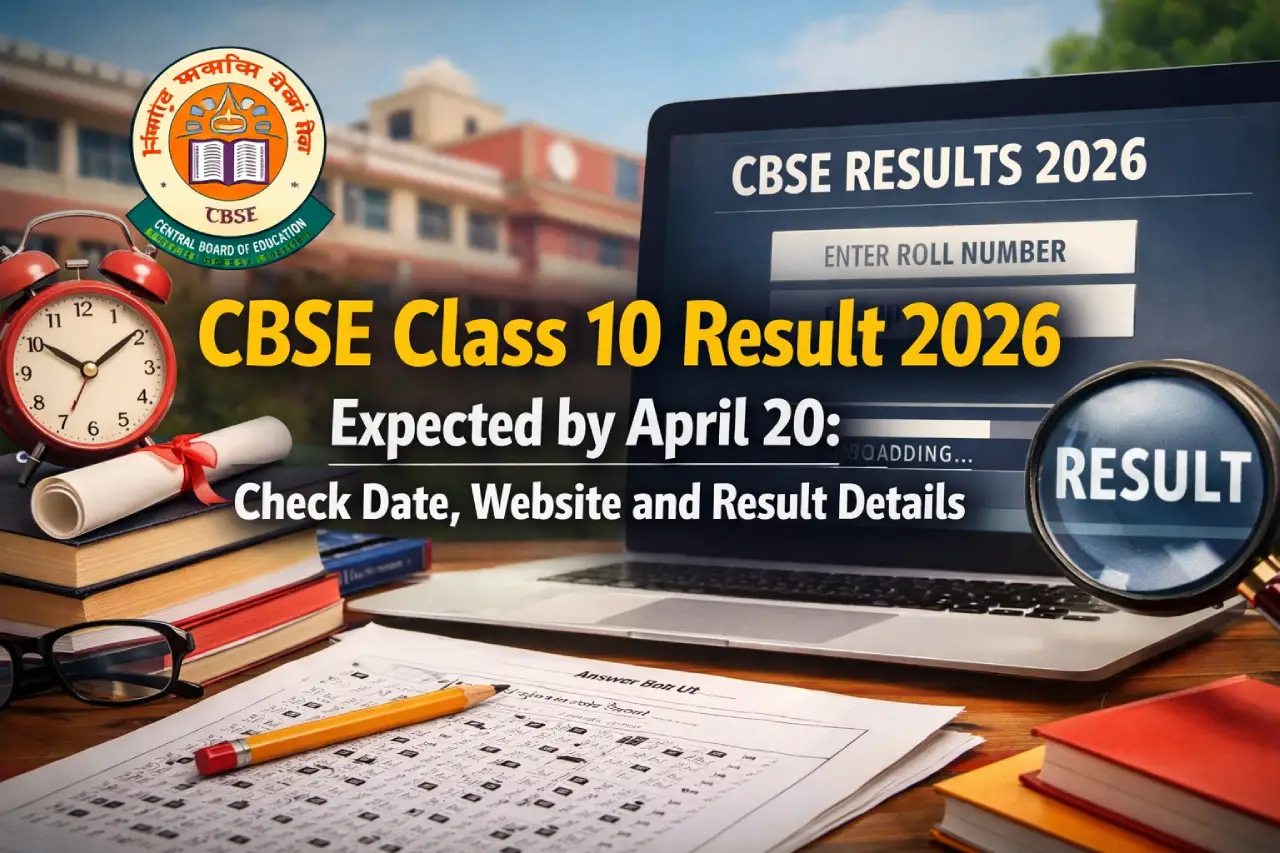
CBSE Class 10 Result 2026 Expected by April 20: Check Date, Website and Result Details

CBSE Class 10 Result 2026 Expected by April 20: Check Date, Website and Result Details

The Central Board of Secondary Education (CBSE) is expected to release the Class 10 Result 2026 by April 20, according to earlier updates. This comes as a major change compared to previous years when results were usually announced in May. Once declared, students will be able to check their results online through the official CBSE websites by using their roll number and date of birth. The result will include subject-wise marks, total score, and pass status.

I am writing about this update because Class 10 results are a crucial turning point for students. From what I have seen, many students and parents eagerly wait for the result date but often get confused about timelines and official websites. With CBSE also introducing changes like two board exams from the 2026 academic session, it becomes even more important to stay informed. This article will help you understand the expected result date, how to check it, and what to expect.

CBSE Class 10 Result 2026 Date

CBSE is likely to declare the Class 10 results by April 20, 2026.

  • Expected Result Date: By April 20, 2026
  • Mode: Online
  • Official Websites: cbse.gov.in, results.cbse.nic.in

This is earlier than the usual trend where results were announced in May.

Where to Check CBSE Class 10 Result 2026

Students can check their results on the following official websites:

  • cbse.gov.in
  • results.cbse.nic.in

It is always better to rely only on official sources to avoid incorrect information.

How to Check CBSE Class 10 Result 2026

Students can follow these simple steps to check their results:

  • Visit the official CBSE result website
  • Click on the link for “CBSE Class 10 Result 2026”
  • Enter your roll number and date of birth
  • Submit the details
  • Your result will appear on the screen
  • Download and save the scorecard

You can also take a printout for future use.

Details Mentioned on Scorecard

The CBSE Class 10 result will include the following details:

  • Student’s name
  • Roll number
  • Subject-wise marks
  • Total marks
  • Qualifying status (Pass/Fail)

Students should carefully check all the details after downloading the result.

Major Change: Two Board Exams System

One important development this year is the introduction of a new exam system.

  • CBSE is planning to implement two board exams in an academic year
  • This change will be introduced gradually from the 2026 session
  • The aim is to reduce exam pressure and offer more flexibility

In my opinion, this move could help students perform better by giving them another chance.

Previous Year Result Trends

Looking at past trends helps understand the shift in result timelines.

  • Earlier results were usually declared in the second week of May
  • This year, results are expected earlier in April

This shows a clear change in the schedule.

Key Highlights at a Glance

ParticularsDetails
Exam NameCBSE Class 10 Board Exam 2026
Expected Result DateBy April 20, 2026
Mode of ResultOnline
Official Websitescbse.gov.in, results.cbse.nic.in

Leave a Comment

End of Article

Loading more posts...