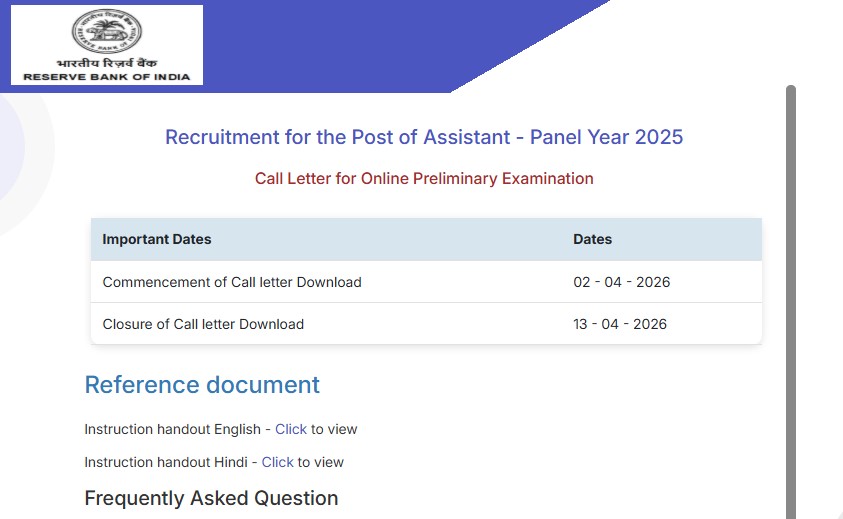
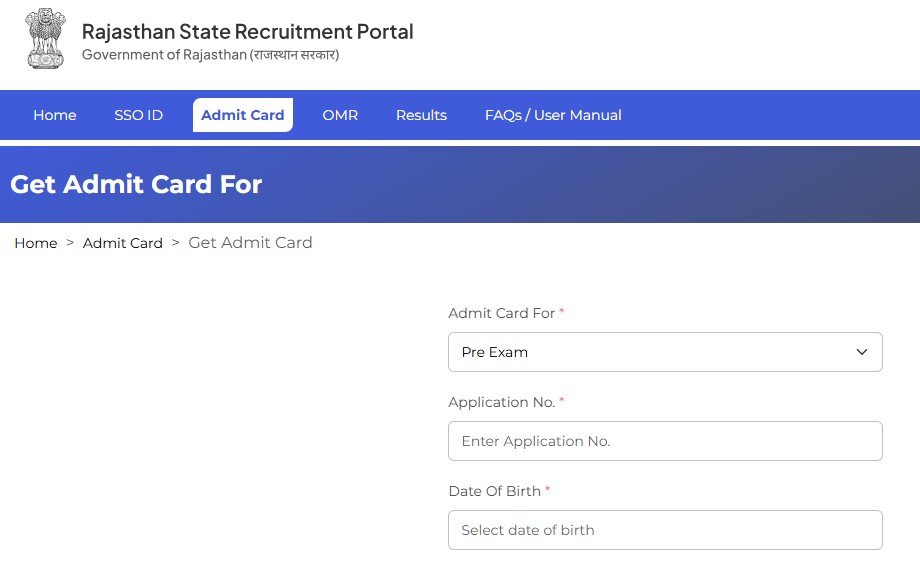
The State Bank of India has released the admit card for the SBI Clerk Mains exam on its official website sbi.co.in. Candidates who cleared the prelims can now log in and download their hall ticket for the next stage of the recruitment process. The admit card contains essential details such as exam date, exam centre address, reporting time and important instructions.
I am writing about this update because the SBI Clerk exam is one of the most sought-after banking exams in the country, and thousands of candidates depend on timely information to avoid missing important deadlines. Many students face issues at the last moment simply because they do not download their admit card on time or overlook key instructions printed on it. That is why it is important to highlight the release of the hall ticket clearly and guide aspirants on how to download it safely and what to check once they have it. This article aims to give you a clear, simple and fact-based explanation so that you can focus on your preparation instead of worrying about the logistics.
SBI Clerk Mains Exam: Key Highlights
The SBI Clerk recruitment is conducted every year to fill the Junior Associate posts in various SBI branches across India. After clearing the prelims, candidates move to the Mains stage, which is considered the deciding round for final selection.
Here are a few important points:
- The Mains exam evaluates candidates in reasoning, quantitative aptitude, English language and general awareness
- The exam duration is usually around 2 hours 40 minutes
- Marks scored in Mains are considered for final merit list
- The hall ticket is mandatory to enter the exam centre
Important Dates
Below is a quick look at the important dates related to the SBI Clerk Mains admit card:
| Event | Date |
|---|---|
| Admit Card Release | 14/11/2025 |
| Admit Card Download Last Date | 21/11/2025 |
| SBI Clerk Mains Exam | As per schedule on the admit card |
| Download Admit Card | Click Here |
| Official Website | https://www.sbi.co.in |
Candidates should regularly check the website for any updates regarding changes in exam timing or venue.
How to Download the SBI Clerk Mains Admit Card
Candidates can download the hall ticket by following these simple steps:
- Visit the official SBI Careers page at https://www.sbi.co.in
- Click on the “Careers” section on the top menu
- Select “Latest Announcements”
- Find the notification for “SBI Clerk Mains Admit Card 2025”
- Click on the admit card link and log in using your registration number and password
- Once the admit card appears, download and save the PDF
- Take a clear printout to carry with you on the exam day
It is better to download the hall ticket early to avoid website traffic issues close to the exam date.
What to Check on Your Admit Card
After downloading, go through the following details carefully:
- Your name, roll number and photograph
- Exam date, shift timing and reporting time
- Exam centre address with complete location
- Exam day instructions issued by SBI
- Space for signature and thumb impression (if mentioned)
If any information appears incorrect, candidates should immediately contact the SBI helpdesk mentioned in the notification.
Exam Day Guidelines
Candidates must follow the instructions mentioned by SBI to ensure a smooth exam experience:
- Reach the exam centre at least 30–45 minutes before reporting time
- Carry your admit card along with a valid photo ID
- Avoid carrying electronic devices such as mobiles, smart watches or Bluetooth gadgets
- Bring necessary stationery items like pens and pencils
- Follow the instructions of the invigilator throughout the exam
Ignoring these guidelines can lead to unnecessary stress or even disqualification from the exam.