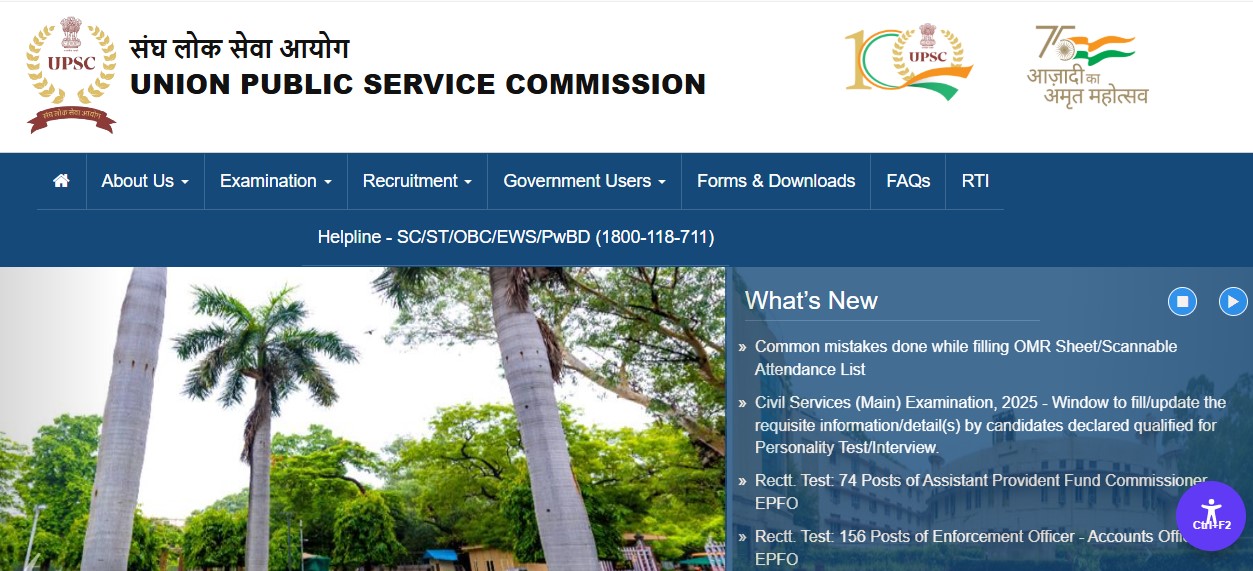
The Union Public Service Commission is set to release the UPSC EPFO Admit Card 2025 for the Assistant Provident Fund Commissioner (APFC) exam on its official website. Candidates who applied for the recruitment will soon be able to download their hall ticket in PDF format and check the complete details regarding exam date, reporting time and allotted centre. As soon as the link is activated on upsc.gov.in, applicants can access their admit card using their registration details.
I am covering this development because UPSC EPFO APFC is one of the most competitive exams for administrative and regulatory roles in the country. Every year, lakhs of aspirants wait for the admit card release as it marks the beginning of the final stage of exam preparation. Missing even a small update, like the exact download date or important instructions, can lead to confusion or last-minute issues on exam day.
With many candidates juggling job, college or other exams, having a clear, well-structured guide helps them stay ahead and avoid common mistakes. This article aims to give candidates a practical breakdown of the admit card process, exam details and what they should keep in mind before appearing for the test.
UPSC EPFO APFC Admit Card 2025: Key Details
- Conducting Authority: Union Public Service Commission (UPSC)
- Post: Assistant Provident Fund Commissioner (APFC)
- Admit Card Status: To be released soon
- Mode of Availability: Online PDF
- Official Website: upsc.gov.in
- Exam Type: Recruitment test followed by interview
What the Admit Card Will Contain
Once released, the hall ticket will carry important details such as:
- Candidate’s full name
- Roll number
- Registration ID
- Exam centre name and address
- Exam date and shift
- Reporting and closing entry time
- Photograph and signature
- Instructions to be followed inside the exam hall
Candidates must check each detail carefully as discrepancies may cause issues during entry.
How to Download UPSC EPFO APFC Admit Card 2025
Candidates can follow these steps to download their hall ticket once the link becomes active:
- Visit the official UPSC website at upsc.gov.in
- Open the What’s New section
- Look for the EPFO APFC Admit Card link
- Click on the download button
- Enter your registration number and date of birth
- Access and download the PDF of your admit card
- Take a clear printout to carry on exam day