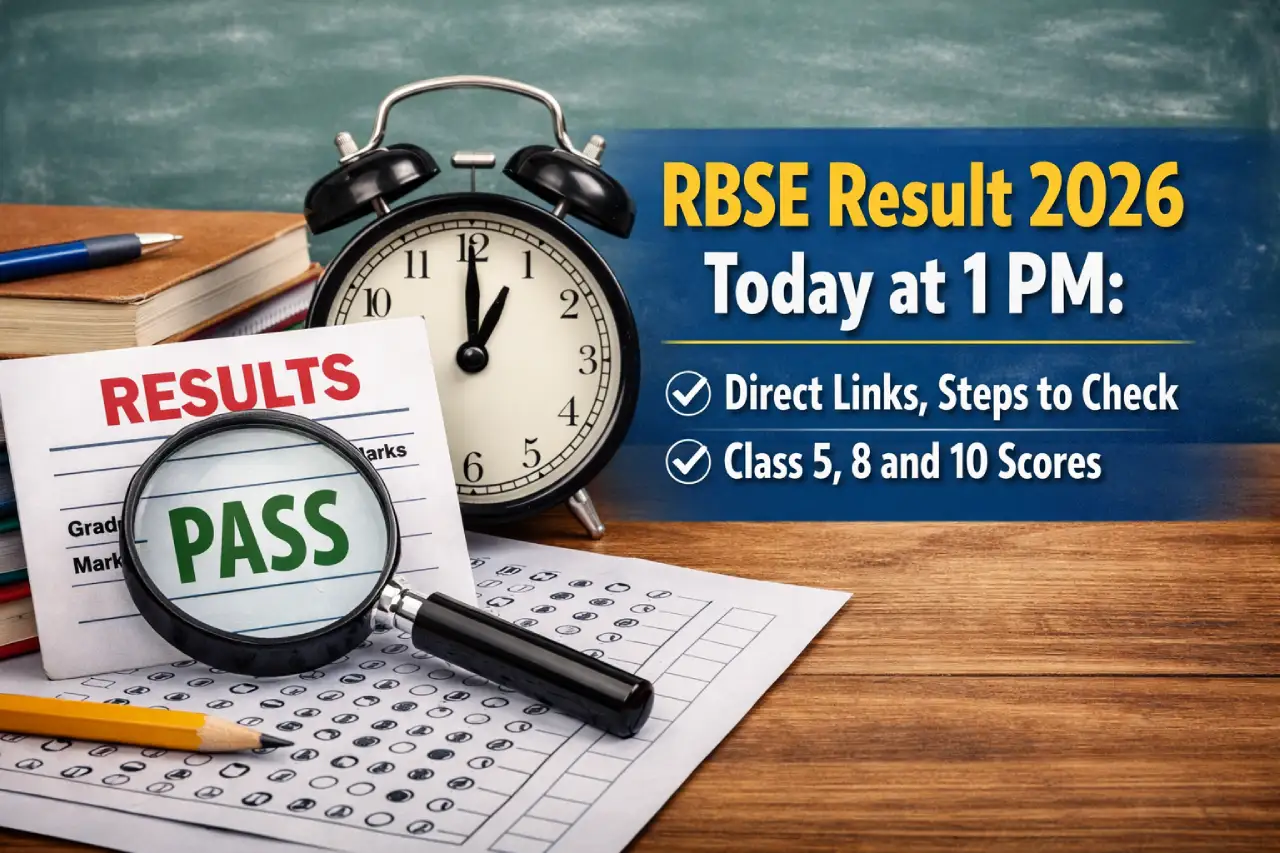
The Board of Secondary Education, Rajasthan (RBSE) is set to declare the Class 5, Class 8, and Class 10 results today, March 24, 2026, at 1 PM. The announcement will be made through an official press conference, after which students will be able to check their results online. This is a crucial moment for thousands of students across the state who have been eagerly waiting for their scores. Once released, the result links will be activated on the official websites for easy access.
I am writing about this because result day can be both exciting and stressful for students and parents. Many students often feel confused about where to check their results or what details are required. Having all the correct information in one place can save time and reduce last-minute panic. This article will guide you through the official websites, steps to check your result, and important things you should keep in mind after the results are declared.
RBSE Result 2026 Date and Time
Here are the key details you should know:
- Result date: March 24, 2026
- Result time: 1 PM
- Announcement mode: Official press conference
The online result links will be activated shortly after the announcement.
Official Websites to Check RBSE Result 2026
Students can check their results through the following official websites:
For Class 10
- rajeduboard.rajasthan.gov.in
- rajresults.nic.in
For Class 5 and Class 8
- rajshaladarpan.rajasthan.gov.in
It is always best to use official websites to avoid any confusion or incorrect information.
Details Required to Check Result
To check the RBSE results, students will need specific login details depending on their class.
For Class 10
- Roll Number
For Class 5 and Class 8
Students can log in using any of the following combinations:
- Roll Number and District
- Roll Number and Application Number
- Roll Number and School NIC-SD Code / PSP Code
Make sure you keep these details ready before checking your result.
How to Check RBSE Result 2026?
Students can easily check their results online. Here’s how to do it:
- Visit the official website
- Click on the result link for your respective class
- Enter the required login details
- Submit the information
- View your result on the screen
- Download and print it for future use
Always double-check your details before submitting.
What Happens After the Result?
Once the results are declared, students should take a few important steps:
- Download and save a copy of the result
- Verify all personal and academic details
- Contact school authorities in case of any errors
- Start planning for the next academic step
Remember, the online result is provisional, and the original mark sheet will be provided by your school later.