JOIN WHATSAPP
STORIES

MP Board 5th 8th Result 2026 Released: Check Direct Link

MP Board 5th 8th Result 2026 Released: Check Direct Link

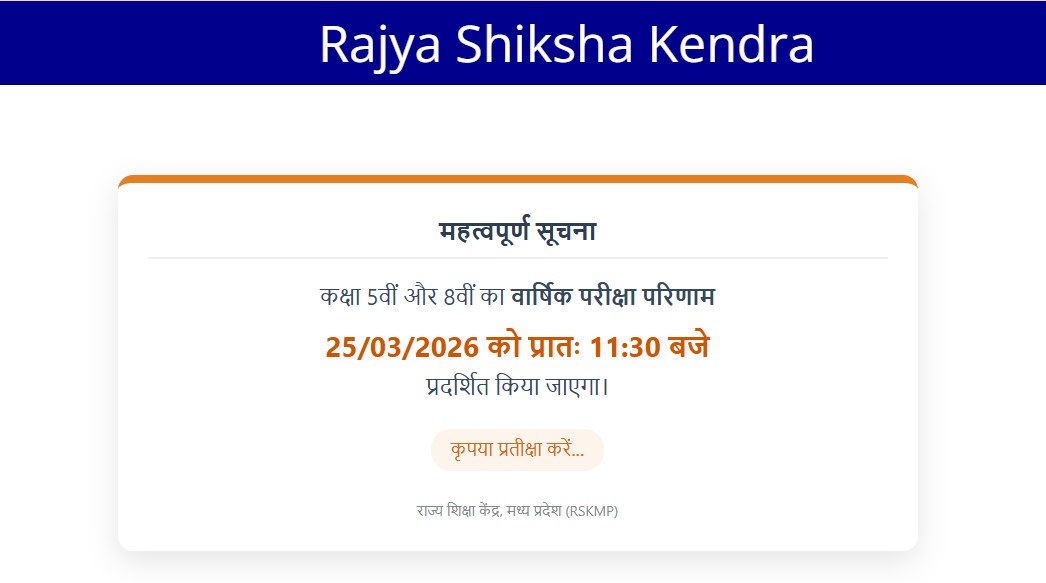
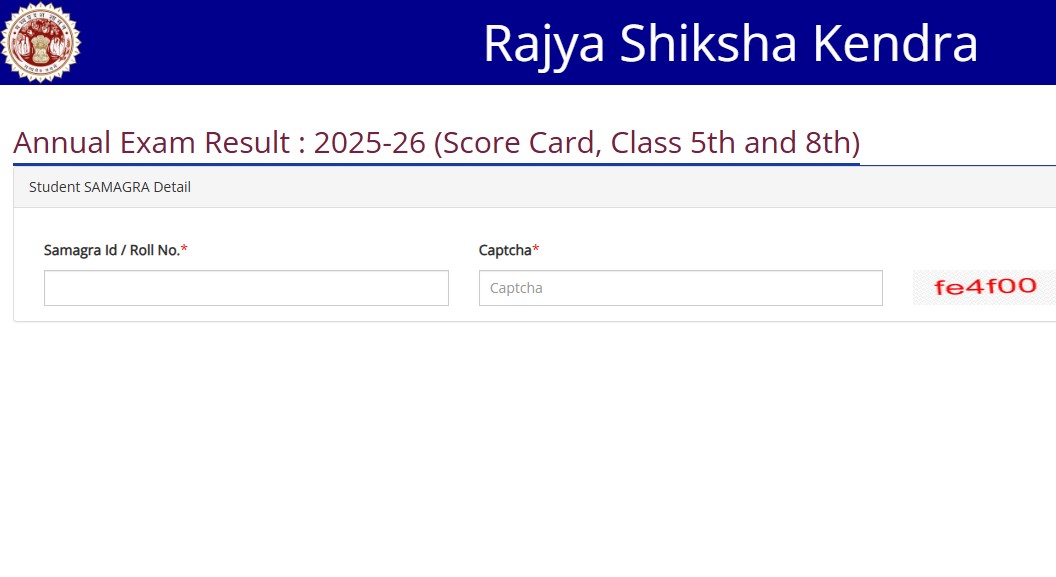
The Madhya Pradesh Board of Secondary Education (MPBSE) has officially released the Class 5 and Class 8 results for the 2026 examinations. Students who appeared for the exams conducted between February 20 and February 28, 2026 can now check their results online. The result is available on the official portal, and students need to log in using their roll number and captcha to access their marks.

I am writing about this because result announcements are one of the most awaited moments for students and parents alike. After weeks of exams and anticipation, this is the time when students finally get clarity about their performance. Knowing how to check the result properly and understanding the next steps is very important to avoid confusion and stress.

MP Board Result 2026 Overview

Here are the key details of the result:

ParticularsDetails
Board NameMadhya Pradesh Board of Secondary Education (MPBSE)
ClassesClass 5 and Class 8
Exam DatesFebruary 20 to February 28, 2026
Result StatusReleased
Login DetailsRoll Number and Captcha
Official Websitempbse.nic.in / rskmp.in

Students are advised to keep their credentials ready before checking the result.

How to Check MP Board 5th, 8th Result 2026

Students can follow these simple steps:

  • Visit the official website
  • Click on the link for “Class 5 Result 2026” or “Class 8 Result 2026”
  • Enter your roll number and captcha
  • Submit the details
  • Your result will appear on the screen
  • Download and take a printout for future use

Check Result: Click Here

Make sure to double-check all details on the result.

Details Mentioned on the Result

The result will include important information such as:

  • Student’s name
  • Roll number
  • Subject-wise marks
  • Total marks
  • Pass or fail status

If there is any mistake, students should contact their school immediately.
Leave a Comment

End of Article

RBSE 10th Result 2026 Released: Check Rajasthan Board Class 10 Marks Online Easily

RBSE 10th Result 2026 Released: Check Rajasthan Board Class 10 Marks Online Easily

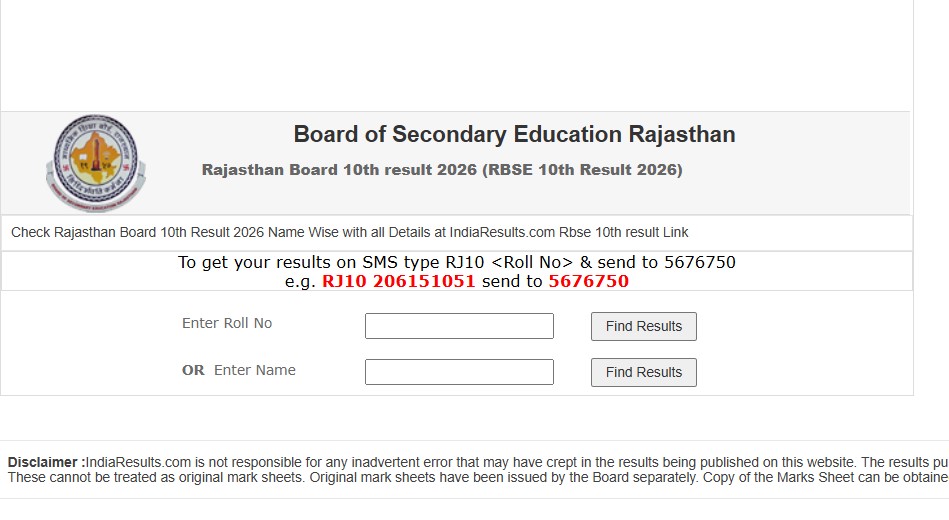
The Rajasthan Board of Secondary Education (RBSE) has officially released the Class 10th Result 2026 on its official website. Students who appeared for the exams held between February 12 and February 28, 2026 can now check their results online. To access the result, candidates need to enter their roll number and captcha on the result portal. The announcement has brought relief and excitement for lakhs of students waiting eagerly for their scores.

I am writing about this because board results are a crucial turning point in every student’s academic journey. Class 10 results especially play an important role in deciding future streams and career directions. Having clear information about how to check the result and what to do next can save students from confusion and help them take the right steps forward with confidence.

RBSE 10th Result 2026 Overview

Here are the key details of the result:

ParticularsDetails
Board NameRajasthan Board of Secondary Education (RBSE)
Exam NameClass 10th Board Examination 2026
Exam DatesFebruary 12 to February 28, 2026
Result StatusReleased
Login CredentialsRoll Number and Captcha
Official Websiterajeduboard.rajasthan.gov.in

Students should keep their roll numbers ready before checking the result.

How to Check Rajasthan Board 10th Result 2026

Follow these steps to check your result:

  • Visit the official RBSE website
  • Click on the link “RBSE Class 10th Result 2026”
  • Enter your roll number and captcha
  • Submit the details
  • Your result will appear on the screen
  • Download and print it for future reference

Check Result: Click Here

Always verify your details after downloading the result.

Details Mentioned on the Result

The result will include:

  • Student’s name
  • Roll number
  • Subject-wise marks
  • Total marks
  • Division or grade
  • Pass or fail status

In case of any error, contact your school immediately.

Leave a Comment

End of Article

Loading more posts...

Related Post