JOIN WHATSAPP
STORIES

Best Online Courses to Learn UI/UX Design in 2025: Top Platforms to Master the Skills

Best Online Courses to Learn UI/UX Design in 2025: Top Platforms to Master the Skills

If you’re planning to become a UI/UX designer in 2025, you’re stepping into one of the fastest-growing and high-demand creative tech fields today. With most businesses going digital, the demand for user-friendly, visually appealing and intuitive products has skyrocketed. Whether you’re a beginner or a designer from another field looking to upgrade, there are plenty of online courses that can help you learn UI/UX design from scratch or sharpen your skills further.

I’m writing about this topic because I’ve seen a lot of aspiring designers waste time jumping between random YouTube tutorials and confusing course bundles. Choosing the right course can save you months of confusion and give you clarity about what the UI/UX industry actually expects from you. Whether your goal is to land a job, freelance or launch your own product, knowing what course fits your goal can make all the difference. This article lists some of the best online platforms that are trusted by professionals and offer real-world learning in 2025.

Why Learn UI/UX Design in 2025?

UI (User Interface) and UX (User Experience) design are no longer limited to tech startups. Every industry now values well-designed apps, websites, and platforms. UI/UX roles are now open in e-commerce, healthcare, edtech, fintech and even government sectors.

Some of the key reasons to consider learning UI/UX:

  • High demand across industries
  • Remote work flexibility
  • Strong freelance and startup opportunities
  • Combines creativity with problem-solving
  • Does not always require a technical coding background

Best Online Courses for UI/UX Design in 2025

1. Google UX Design Professional Certificate – Coursera

  • Platform: Coursera
  • Level: Beginner
  • Duration: 6 months (flexible pace)
  • What’s Covered: UX research, wireframing, prototyping, Figma, usability testing
  • Why It’s Good: Developed by Google, this course covers job-ready skills with hands-on projects. You also build a portfolio.
  • Cost: Free trial, then approx ₹3,000/month

2. UI/UX Design Specialization – CalArts (Coursera)

  • Platform: Coursera
  • Level: Intermediate
  • Duration: 4-6 months
  • What’s Covered: Visual design, prototyping, interface design and user research
  • Why It’s Good: Created by California Institute of the Arts, it’s very design focused and ideal for students with a creative background

3. UX Design Institute – Professional Diploma in UX Design

  • Platform: UX Design Institute
  • Level: Beginner to advanced
  • Duration: 6 months
  • What’s Covered: UX research, design principles, prototyping and final exam
  • Why It’s Good: Industry-recognised diploma, offers mentorship and career support
  • Cost: Around ₹2 lakhs (EMI available)

4. Interaction Design Foundation (IDF)

  • Platform: IDF
  • Level: All levels
  • What’s Covered: Dozens of self-paced courses on everything from beginner UX to advanced usability
  • Why It’s Good: Huge content library, recognised by companies like Adobe and Accenture
  • Cost: ₹1,200–₹2,000/month (value-for-money subscription)

5. DesignLab UX Academy

  • Platform: DesignLab
  • Level: Career switchers or serious learners
  • Duration: 4–9 months
  • What’s Covered: 1-on-1 mentoring, real projects, portfolio reviews
  • Why It’s Good: Structured like a bootcamp. Excellent placement support and peer feedback
  • Cost: Premium (₹3.5–5 lakhs), but good ROI for serious learners

6. Udemy Courses on UI/UX

  • Platform: Udemy
  • Level: Beginner to intermediate
  • Top Courses: “UI/UX Design with Adobe XD”, “Figma for UX/UI Designers”
  • Why It’s Good: Affordable, lifetime access, and great for learners who prefer flexibility
  • Cost: ₹500 to ₹1,000 (during discounts)

7. LinkedIn Learning – UI/UX Design Learning Path

  • Platform: LinkedIn Learning
  • Level: Beginner-friendly
  • What’s Covered: Foundations of UX, design thinking, wireframing and tools
  • Why It’s Good: Easy to access, adds badges to your LinkedIn profile
  • Cost: Free trial, then ₹1,400/month

Tools You’ll Need to Learn

Most UI/UX courses will require you to use the following tools:

  • Figma – Interface design and prototyping
  • Adobe XD – Visual design and interaction
  • Miro – Wireframing and collaboration
  • Notion – UX research and planning
  • Webflow – No-code website prototyping (optional)

Tips for Choosing the Right Course

  • Define your goal: Do you want to freelance, get a job, or build your own product?
  • Pick the right level: Beginners should look for structured, step-by-step courses.
  • Portfolio building: Choose a course that helps you create a strong portfolio.
  • Support and mentorship: Having guidance from professionals adds real value.
  • Budget: Be honest about what you can afford, but don’t compromise on quality.

Conclusion

There’s no shortage of UI/UX courses in 2025, but choosing the right one depends on your background, goal, and budget. Platforms like Coursera, UX Design Institute, and DesignLab offer in-depth training and real-world projects. If you’re just exploring the field, starting with something affordable on Udemy or IDF is also a great way to test the waters. The key is to stay consistent, practise daily, and build your portfolio. A strong UI/UX skillset can open up amazing opportunities—so choose your course wisely and start your journey with clarity.

Leave a Comment

End of Article

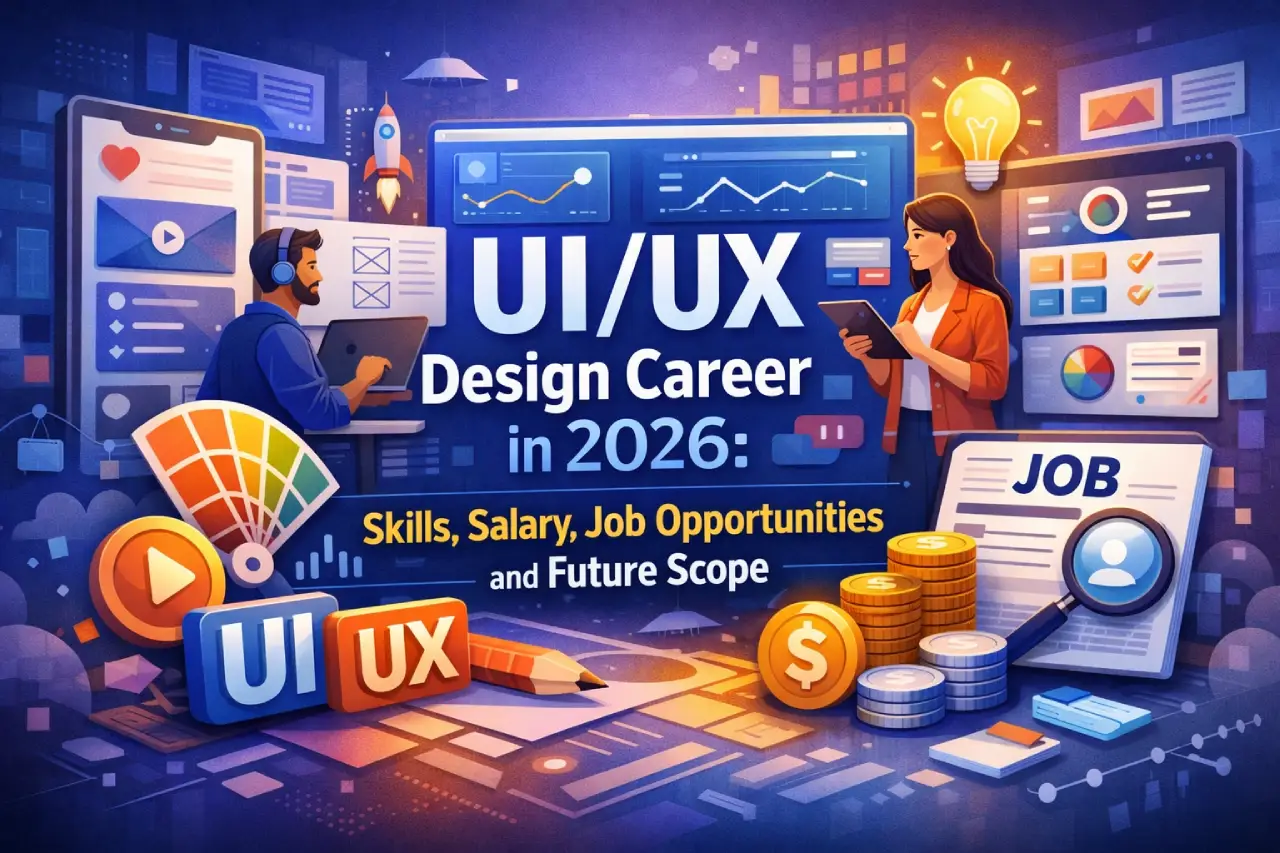
UI/UX Design Career in 2026: Skills, Salary, Job Opportunities and Future Scope

UI/UX Design Career in 2026: Skills, Salary, Job Opportunities and Future Scope

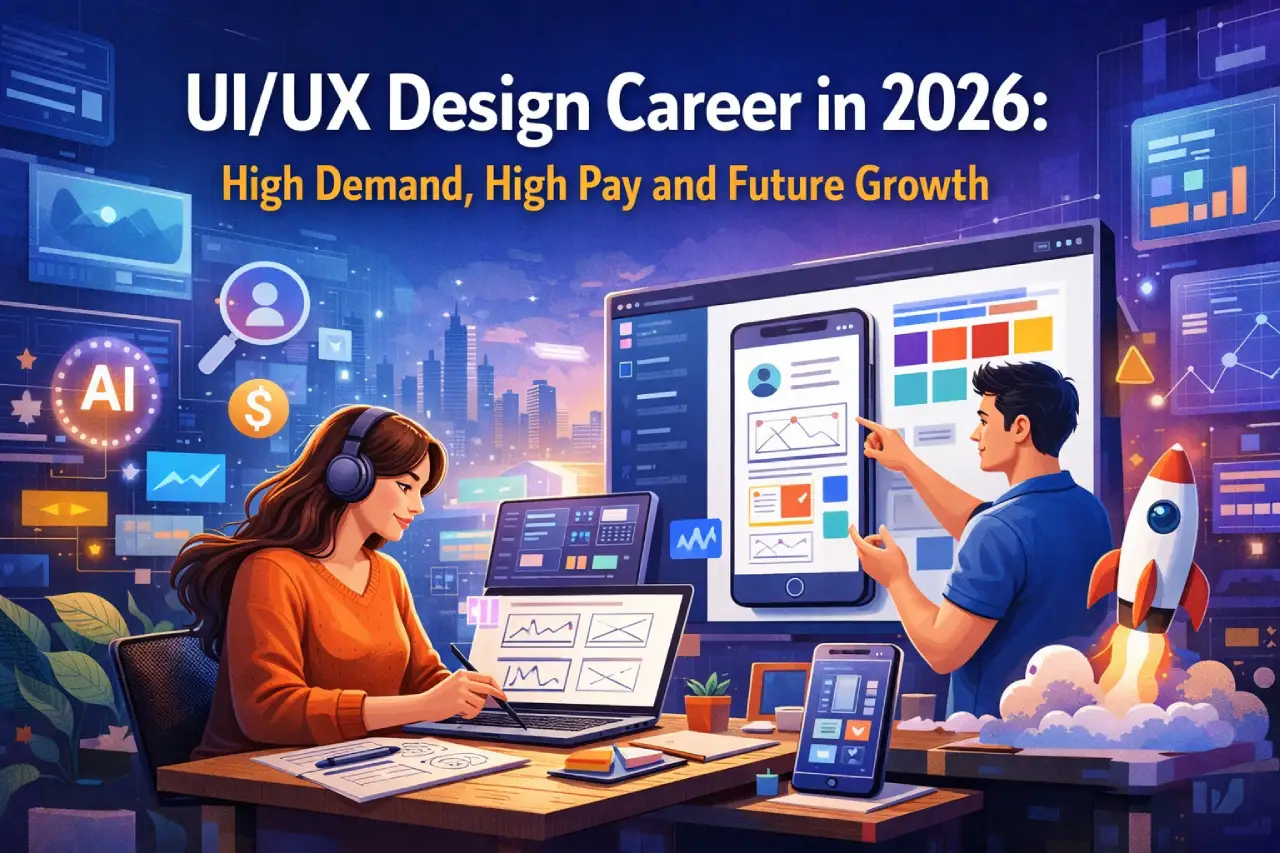
UI/UX design has become one of the fastest-growing career paths in the digital industry. As companies continue to build websites, mobile applications, and digital platforms, the need for professionals who can design smooth and user-friendly experiences has increased significantly. For students planning their careers in 2026, UI/UX design is often seen as a promising field that combines creativity, technology, and problem-solving skills.

I decided to write about this topic because many students today are confused about choosing the right career path in a rapidly changing digital world. Traditional careers are still important, but newer roles like UI/UX design are gaining attention due to strong demand and flexible career opportunities. Understanding what UI/UX design involves, what skills are required, and what career prospects look like can help students decide whether this field is the right fit for them.

What Is UI/UX Design

UI/UX design focuses on creating digital products that are easy to use, visually appealing, and efficient for users.

Although the terms are often used together, they represent two different aspects of design.

UI stands for User Interface, which refers to the visual elements of a digital product, such as buttons, layouts, icons, and colours.

UX stands for User Experience, which focuses on how users interact with a product and how easy or satisfying that interaction feels.

Together, UI and UX designers work to ensure that apps, websites, and software products provide a smooth and enjoyable experience for users.

Why UI/UX Design Is Growing as a Career

The demand for UI/UX designers has increased because digital products have become an essential part of everyday life.

Companies today rely heavily on websites, mobile applications, and digital platforms to reach customers. If these platforms are difficult to use, users quickly move to competitors.

Because of this, businesses now invest heavily in improving user experience.

Some industries that actively hire UI/UX designers include:

  • Technology companies
  • Startups and digital platforms
  • E-commerce businesses
  • Banking and financial services
  • Healthcare technology companies

As digital transformation continues, the need for skilled designers is expected to grow even further.

Skills Required to Become a UI/UX Designer

Students interested in this field need a combination of creative thinking and technical knowledge.

Some important skills include:

  • Understanding user behaviour and psychology
  • Wireframing and prototyping
  • Visual design and layout principles
  • Basic knowledge of design tools such as Figma or Adobe XD
  • Communication and collaboration skills
  • Problem-solving and analytical thinking

Designers often work closely with developers, product managers, and marketing teams, so teamwork is also an important part of the job.

Educational Paths for UI/UX Design

There is no single educational route to becoming a UI/UX designer. Students from various academic backgrounds can enter this field.

Some common pathways include:

  • Degree programmes in design, computer science, or multimedia
  • Certification courses in UI/UX design
  • Online design bootcamps and training programmes
  • Self-learning through online resources and projects

Many employers focus more on portfolio quality and practical skills rather than only academic qualifications.

Job Roles in the UI/UX Field

The UI/UX field offers several specialised roles depending on a designer’s skills and interests.

Some common job titles include:

  • UI Designer
  • UX Designer
  • Product Designer
  • Interaction Designer
  • UX Researcher
  • Design Strategist

As professionals gain experience, they may move into senior design positions or leadership roles such as Design Manager or Product Design Lead.

Salary and Career Growth

UI/UX design offers competitive salaries, especially for candidates with strong portfolios and experience.

Here is a general overview of salary levels in the field.

Experience LevelTypical Salary Range in India
Entry-Level Designer₹4 lakh – ₹8 lakh per year
Mid-Level Designer₹8 lakh – ₹15 lakh per year
Senior Designer₹15 lakh – ₹25 lakh per year or more

In global technology companies and startups, experienced designers may earn even higher salaries.

Advantages of Choosing UI/UX Design

Many students are attracted to UI/UX design because it offers several advantages.

Some of the benefits include:

  • Opportunities to work in the fast-growing technology sector
  • Creative and problem-solving oriented work
  • Flexibility to work in different industries
  • Opportunities for freelance or remote work
  • Strong demand for skilled designers worldwide

Because digital products are constantly evolving, UI/UX designers often find new opportunities to learn and innovate.

Challenges Students Should Know

While the career has many advantages, students should also understand some of the challenges.

The field requires continuous learning because design tools, technologies, and user expectations change frequently.

Designers must also:

  • Handle feedback and revisions from teams or clients
  • Balance creativity with business goals
  • Keep up with changing design trends and technologies

Those who enjoy learning and adapting to change usually succeed in this field.

How Students Can Start Preparing

Students interested in UI/UX design can begin building their skills early.

Some useful steps include:

  • Learning basic design principles and tools
  • Practising by designing sample websites or apps
  • Building a strong portfolio of projects
  • Participating in internships or freelance projects
  • Studying successful digital products and user experiences

A strong portfolio often plays a major role in getting the first job in this field.

Leave a Comment

End of Article

Loading more posts...