


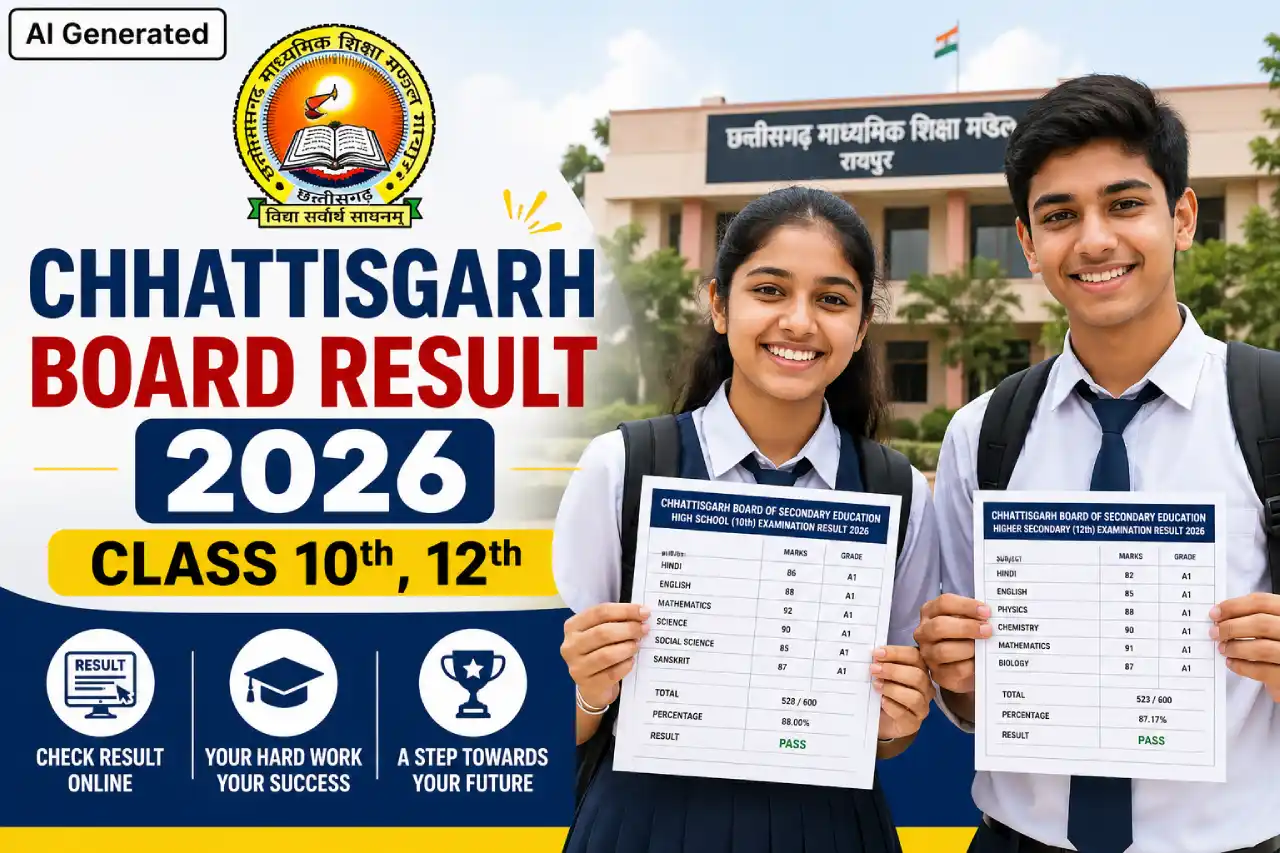
The Chhattisgarh Board of Secondary Education is set to publish the results for the Class 10 and 12 examinations of 2026 today. According to available information, the results will be announced at 2:30 PM this afternoon. The long wait for thousands of students and parents is finally coming to an end. Students who appeared for the High School and Higher Secondary examinations this year can view their results by visiting the official website.
Board results represent more than just a set of scores; they form a crucial milestone in a student's future academic journey. These results play a pivotal role in two key stages: the selection of an academic stream after Class 10 and college admissions following Class 12. In my opinion, knowing the correct procedure for checking results in advance can significantly reduce last-minute anxiety.
Chhattisgarh Board Result 2026 Overview
| Chhattisgarh Board Class 10th, 12th Result 2026 | |
| Conducting Board Name | Chhattisgarh Board of Secondary Education |
| Result Release Date | April 29, 2026 |
| Result Release Time | 2:30 PM (Expected) |
| Class 10 Exam Dates | February 21, 2026 – March 13, 2026 |
| Class 12 Exam Dates | February 20, 2026 – March 18, 2026 |
| Mode of Result Publication | Online |
| Official Website | CGBSE Official Portal |
| Check Result | Click Here |
| Required Information | Roll Number & Captcha (Other Essential Information) |
| Who Can Check Results | Class 10 and Class 12 Examinees |
| Result Day Tip | If the server is busy, try again after a short while |
| Suggestion | Keep your Admit Card handy in advance |
| Next Steps (Class 10) | Stream Selection |
| Next Steps (Class 12) | College Admission / Entrance Exams |
How To Check & Download Chhattisgarh Board 10th / 12th Result 2026? (Whean Released)
- First, you need to visit the official website of the Chhattisgarh Board.
- Once you arrive at the homepage of the official website, click on the 'Results' section.
- Next, you must select either Class 10 or Class 12.
- On the following page, you will need to enter your Roll Number and other required details.
- Finally, after entering the Captcha Code, click on the 'Submit' option.
You will now be able to view your result. - Download the result and take a printout for future reference.


Comments ( 0)
Leave a Comment
No comments yet. Be the first to comment!