The Directorate of Education (DoE), Delhi has officially declared the Class 9 and Class 11 results for the academic session 2025–26. Students who appeared for these exams can now check their scorecards online through the official website, edudel.nic.in. This announcement comes as a major update for lakhs of students and parents who were eagerly waiting for the results. The online system allows quick and easy access to marks, making the process smooth and transparent.
I am sharing this update because result announcements like these are important milestones for students. Whether you are planning your next academic move or simply checking your performance, having the correct information at the right time matters. Many students often get confused about where and how to check their results, so this guide will help you understand the exact steps and avoid any last-minute stress.
DoE Delhi Class 9, 11 Results 2026: Key Highlights
Here are the main details you should know:
- Exam Conducting Body: Directorate of Education (DoE), Delhi
- Classes Covered: Class 9 and Class 11
- Academic Session: 2025–26
- Result Status: Declared
- Mode of Result: Online
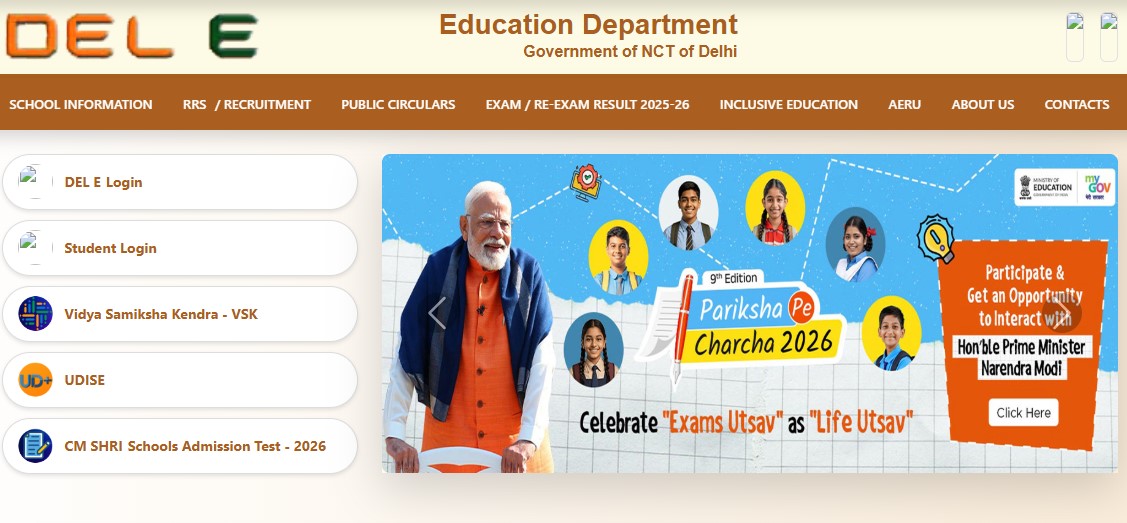
- Official Website: edudel.nic.in
Students are advised to keep their login credentials ready to avoid delays while checking results.
Direct Link to Check DoE Delhi Results 2026
Students can check their results directly through the official portal:
- Visit the official website: edudel.nic.in
- Click on the “Results 2026” section on the homepage
- Select either Class 9 or Class 11 result link
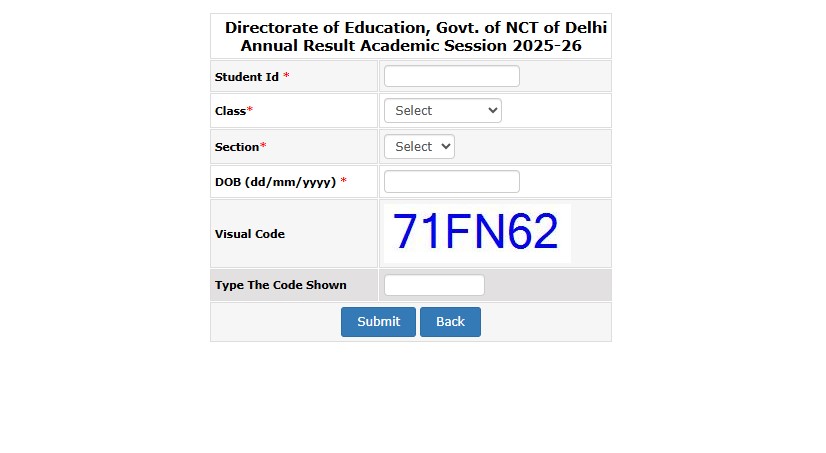
- Enter required login details such as Student ID, Class, Section, and Date of Birth
- Click on the submit button
- Your scorecard will appear on the screen
Check Result: Click Here
Make sure to download and save a copy for future use.
Steps to Download DoE Delhi Scorecards
Aspirants can easily download their scorecards from the official website. Here’s how to do it:
- Go to the official website edudel.nic.in
- On the homepage, find and click on the “Exam/Re-exam Results 2026” link
- Choose your class (Class 9 or Class 11)
- Enter your Student ID, Date of Birth, and other required details
- Click on “Submit”
- Your result will be displayed on the screen
- Download the scorecard and take a printout for reference
It is always a good idea to keep both a digital and printed copy safe.
Details Mentioned on the Scorecard
After downloading your result, check the following details carefully:
- Student’s Name
- Class and Section
- Roll Number or Student ID
- Subject-wise Marks
- Total Marks
- Result Status (Pass/Promoted)
- Remarks (if any)
If you find any error, contact your school authorities immediately.