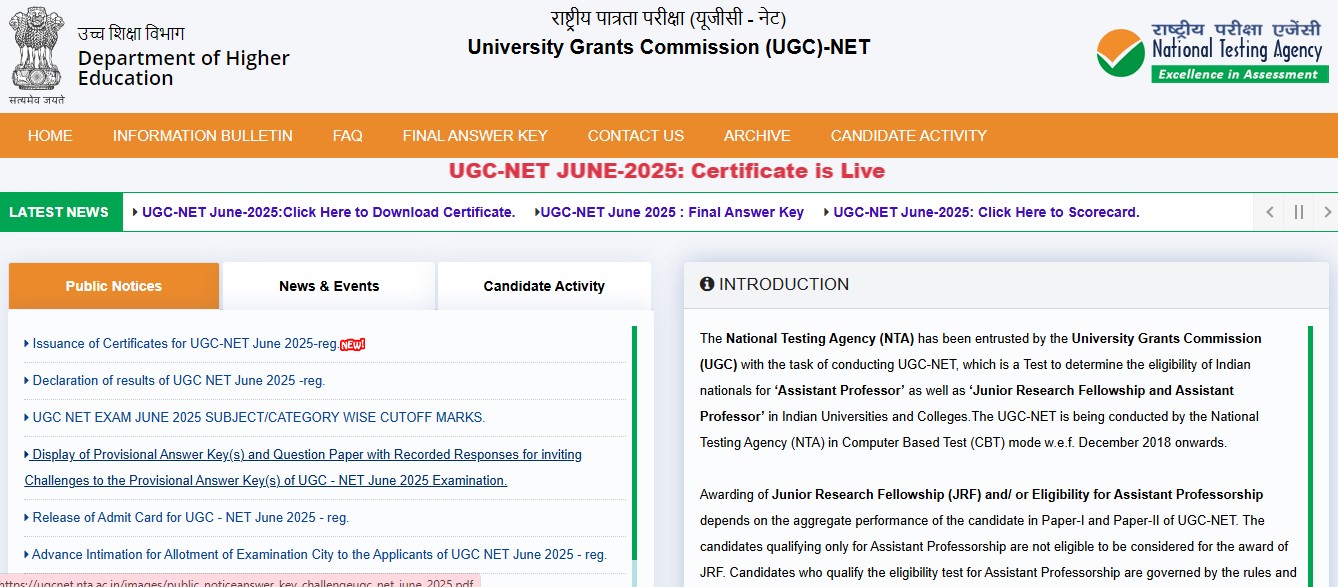
The UGC NET Admit Card 2025 is one of the most awaited documents for candidates preparing to appear in the upcoming National Eligibility Test. Once released, the hall ticket will be available online on the official website, and candidates will need it to enter the exam centre. The admit card contains key details such as exam date, shift timing, centre address, and important instructions, making it essential to download and check it as soon as the link goes live.
I am writing about this update because every exam cycle, many candidates remain confused about where to download the UGC NET admit card and what details to verify. Missing or incorrect information on the hall ticket can create last-minute panic. Knowing the exact steps to access the admit card and understanding what it includes helps candidates stay calm and focused in the final days before the examination.
Who Releases the UGC NET Admit Card 2025
The UGC NET examination is conducted by the National Testing Agency on behalf of the University Grants Commission. The admit card is issued online only, and no hard copy is sent by post to candidates.
All official updates related to the admit card are released through the NTA’s UGC NET portal.
Where to Check UGC NET Admit Card 2025
Once released, candidates will be able to download the UGC NET admit card from the official website:
- ugcnet.nta.nic.in
It is strongly advised to avoid unofficial websites or links shared on social media and rely only on the official portal for accurate information.
How to Download UGC NET Hall Ticket 2025
Candidates can follow these simple steps to download their admit card when the link becomes active:
- Visit the official UGC NET website
- Click on the link for “UGC NET Admit Card 2025”
- Enter application number and date of birth
- Submit the details
- Download the admit card and take a clear printout
Keeping more than one printed copy is recommended for safety.
Details Mentioned on UGC NET Admit Card
After downloading the hall ticket, candidates should carefully check the following details:
- Candidate’s name and roll number
- Subject and paper details
- Exam date and shift timing
- Exam centre address
- Reporting time and exam instructions
If any discrepancy is found, candidates should immediately contact NTA for correction.
Important Instructions for Exam Day
Along with the admit card, candidates must carry a valid photo ID proof to the exam centre. Electronic gadgets, calculators, and study material are strictly prohibited inside the examination hall. Candidates should also reach the centre well before the reporting time mentioned on the admit card.
Following the instructions printed on the hall ticket is crucial to avoid any issues on the exam day.
What to Do If Admit Card Is Not Downloading
If candidates face issues while downloading the admit card, they should:
- Check internet connectivity
- Try downloading during non-peak hours
- Clear browser cache or use a different browser
- Contact NTA helpdesk if the issue persists
Staying patient and acting early can prevent last-minute stress.