



The Bihar Public Service Commission (BPSC) has initiated the online application process for the 72nd Combined Preliminary Examination 2026. This is being viewed as a significant opportunity for candidates preparing for government jobs. According to the official notification, recruitment will be conducted for a total of 1,186 vacancies. The application process commenced on May 7, 2026, and will continue until May 31, 2026. Interested candidates may apply online through the official website of the BPSC.
BPSC 72nd Pre Recruitment 2026 Overview
| Bihar Public Service Commission (BPSC) 72nd Combined Pre Recruitment 2026 | |
| Exam Name | BPSC 72nd Combined Preliminary Examination 2026 |
| Conducting Board Name | Bihar Public Service Commission (BPSC) |
| Total Vacancies | 1186 Posts |
| Application Start Date | 07 May 2026 |
| Application End Date | 31 May 2026 |
| Last Date for Fee Submission | 31 May 2026 |
| Exam Date | To be announced later |
| Admit Card | Will be released prior to the exam |
| Mode of Application | Online |
| Application Fee | ₹100/- for All Categories |
| Payment Mode | Debit Card, Credit Card, Net Banking, IMPS and Mobile Wallet |
| Minimum Age | 20-22 years (Depending on the post) |
| Maximum Age | UR Male: 37 years |
| Age Relaxation | Female/ BC/ EBC: 40 years and SC/ ST: 42 years |
| Key Posts | Combined Competitive Exam, CDPO, Financial Administrative Officer, Sub-Divisional Protection Officer |
| Combined Exam Posts | 1033 Posts |
| CDPO Posts | 20 Posts |
| Financial Administrative Officer Posts | 32 Posts |
| Sub-Divisional Protection Officer Posts | 101 Posts |
| Educational Qualification | Graduation Degree from a recognised University |
| Selection Process | Preliminary Exam, Mains Exam |
| Notification | Click Here |
| Online Apply | Click Here |
| Official Website | Click Here |
| Important Advice | Please read the Official Notification carefully before Applying |
How to Apply for the BPSC 72nd Pre Recruitment 2026?
- First, you must visit the official website of the BPSC.
- Once on the homepage, navigate to the 'Recruitment Section' and click on the 'Online Application' link.
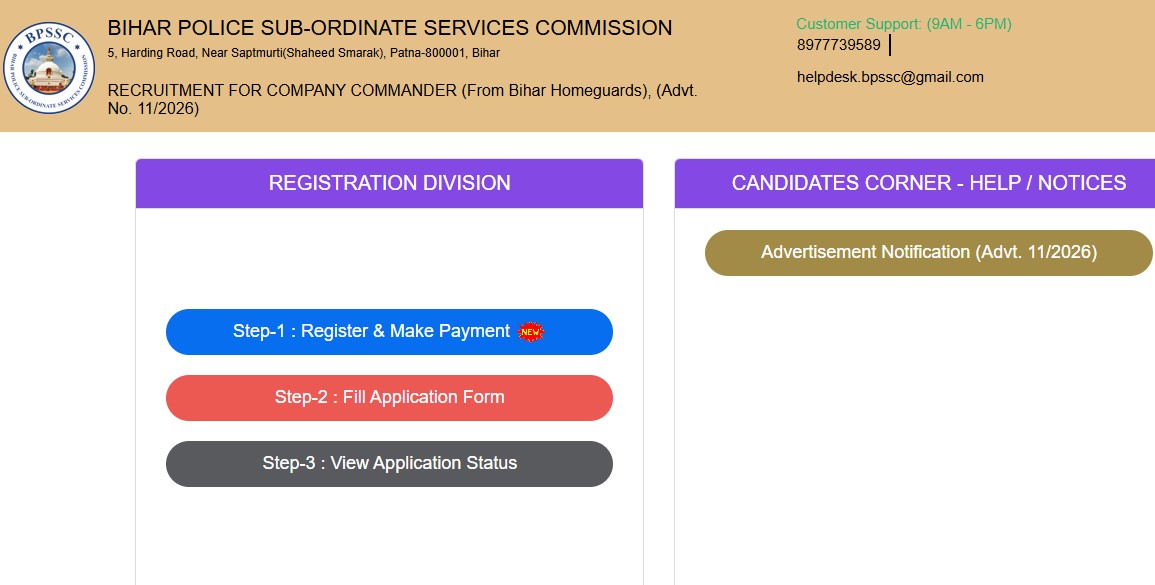
- On the subsequent page, you will see options for Login, New Registration, New User, and Old User. If you are applying for the first time, you must first click on the 'New Registration' option to register.
- After completing the registration, you will receive a User ID and Password; you must use these credentials to log in again.
- Now, you need to fill in your educational qualifications and other relevant details.
- Upload the required documents.
- Submit the application fee.
- After clicking 'Final Submit,' save a printout of the application form for your records.
Comments ( 0)
Leave a Comment
No comments yet. Be the first to comment!