



A major update has come out for candidates awaiting the Indian Navy's Agniveer MR Musician Recruitment 2026. The Indian Navy Agniveer MR Musician Admit Card 2026 has been officially released. Candidates who applied for this recruitment process can now visit the official website to download their Admit Cards. This Admit Card will serve as a crucial document for the Physical Fitness Test (PFT) and Music Ability Test scheduled to be held in May.
Every job aspirant should be informed of such updates in a timely method, as entry into the examination centre will not be permitted without an Admit Card. This presents a significant opportunity, particularly for those aspiring to join the Indian Navy as Musicians. This recruitment drive evaluates not only academic qualifications but also musical proficiency; therefore, candidates need to organise and fine-tune their preparations starting now.
Indian Navy Agniveer Admit Card 2026 Overview
| Indian Navy Agniveer MR Musician Admit Card 2026 | |
| Recruiting Agency | Indian Navy |
| Exam Name | Indian Navy Agniveer MR Musician Examination 2026 |
| Post Name | Agniveer MR Musician |
| Admit Card Status | Available Now |
| Admit Card Release Date | 09 May 2026 |
| Application Start Date | 11 April 2026 |
| Application End Date | 30 April 2026 (Extended) |
| Last Date for Fee Submission | 26 April 2026 |
| PFT Exam Date | May 2026 |
| Result Publication | To be announced later |
| Age Limit | Born between 01 July 2004 and 31 December 2008 |
| Educational Qualification | Matriculation (Class 10) pass with 50% marks |
| Special Qualification | Musical Ability and Instrument Skills required |
| Selection Process | Music Test, PFT, Medical, Document Verification |
| Download Admit Card | Click Here |
| Official Website | Click Here |
How To Download the Indian Navy Agniveer MR Musician Admit Card 2026?
- First, you need to visit the official website of the Indian Navy Agniveer.
- Once on the homepage, click on the “Navy Agniveer MR Musician Admit Card 2026” link.
- The login page will then open.
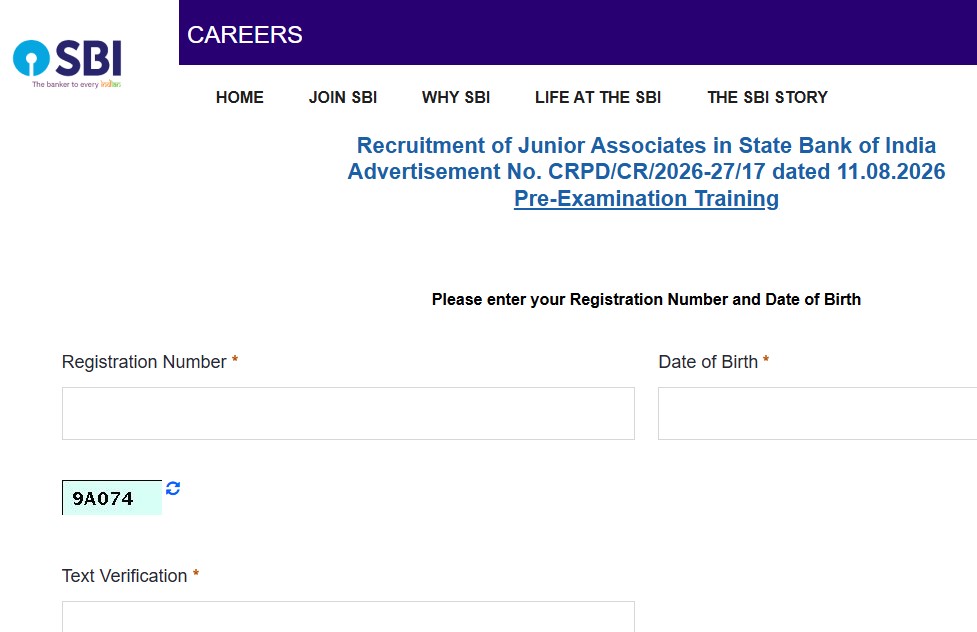
- Now, enter your Application Number and Date of Birth, and fill in the Security Pin / Captcha.
- Finally, click on the Submit / Login button.
- The Admit Card will appear on the screen.
- Download the PDF and keep a printout for your records.
Comments ( 0)
Leave a Comment
No comments yet. Be the first to comment!