


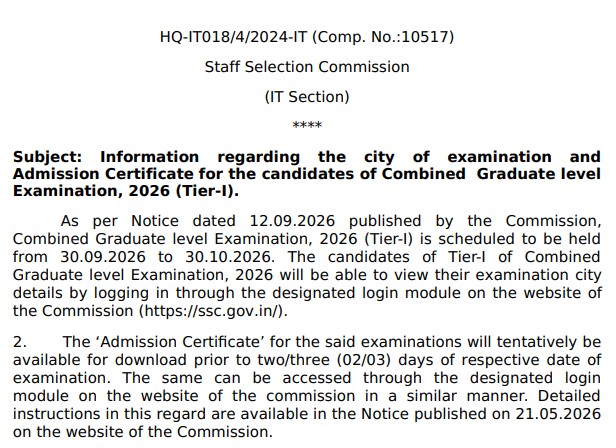
With the release of the SSC CGL Tier 1 exam city details for 2026, candidates now have access to crucial information ahead of the examination. The Staff Selection Commission (SSC) has released the City Intimation Slip for the Combined Graduate Level Examination 2026 (Tier 1), effective from September 21, 2026.
Through this slip, candidates can learn their allotted examination city and the date of the exam in advance. The SSC CGL Tier 1 examination will be conducted in Computer-Based Examination mode from September 30 to October 30, 2026. This recruitment drive aims to fill a total of 12,256 vacancies across various Group B and Group C posts.
SSC CGL Tier 1 Exam City Details 2026: Short Overview
| Recruiting Organisation | Staff Selection Commission (SSC) |
| Examination | Combined Graduate Level Examination 2026 |
| Exam Stage | Tier 1 |
| Total Vacancies | 12,256 |
| City Intimation Release | 21 September 2026 onwards |
| Tier 1 Exam | 30 September–30 October 2026 |
| Exam Mode | Computer-Based Examination |
| Tier 2 Exam | December 2026 |
| City Slip | Available |
| Admit Card | To be released before the respective exam |
| Official PDF | Click Here |
| Check City Intimation | Click Here |
| Official Website | Click Here |
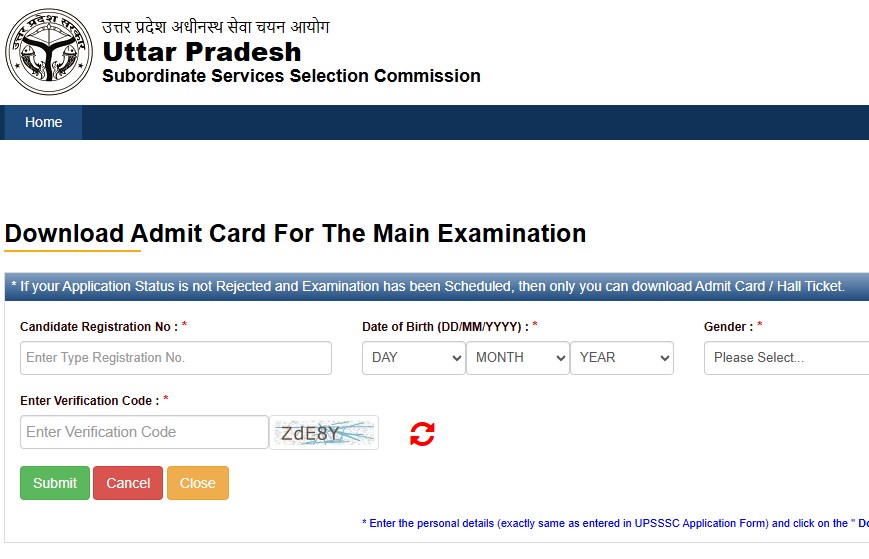
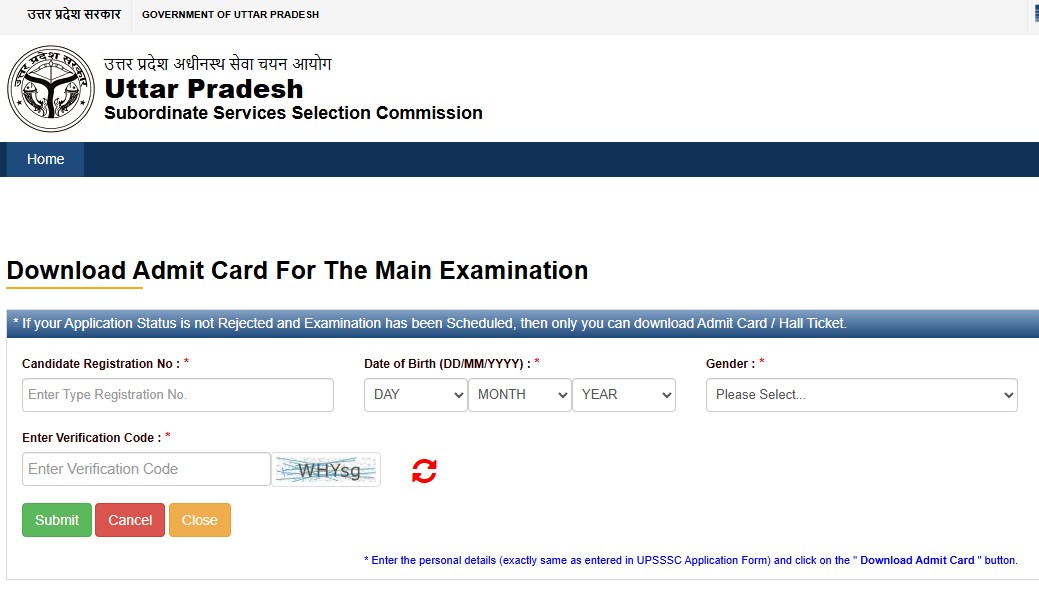
How to Check SSC CGL Tier 1 City Details?
- First, visit the official SSC website.
- Open the 'Candidate Login' or the relevant examination section.
- Look for the link for the SSC CGL Tier 1 City Intimation Slip 2026.
- Log in using your Registration Number/User ID and Password.
- Complete the CAPTCHA if required.
- Click on the 'Submit' or 'Login' option.
- Your allotted examination city and date will appear on the screen.
- Check the details carefully.
- Save or download the city details.
After viewing the city slip, candidates should carefully verify certain details. Typically, it contains information such as the candidate's identification details, the allotted city, and the exam date. According to current reports, shift information may also be included in the city slip.
Specifically, check the following:
- Candidate Name
- Registration Number/Roll Number
- Examination Name
- Tier
- Allotted Examination City
- Examination Date
- Shift/Timing (if displayed)
Make sure that these details are correct.
Comments ( 0)
Leave a Comment
No comments yet. Be the first to comment!