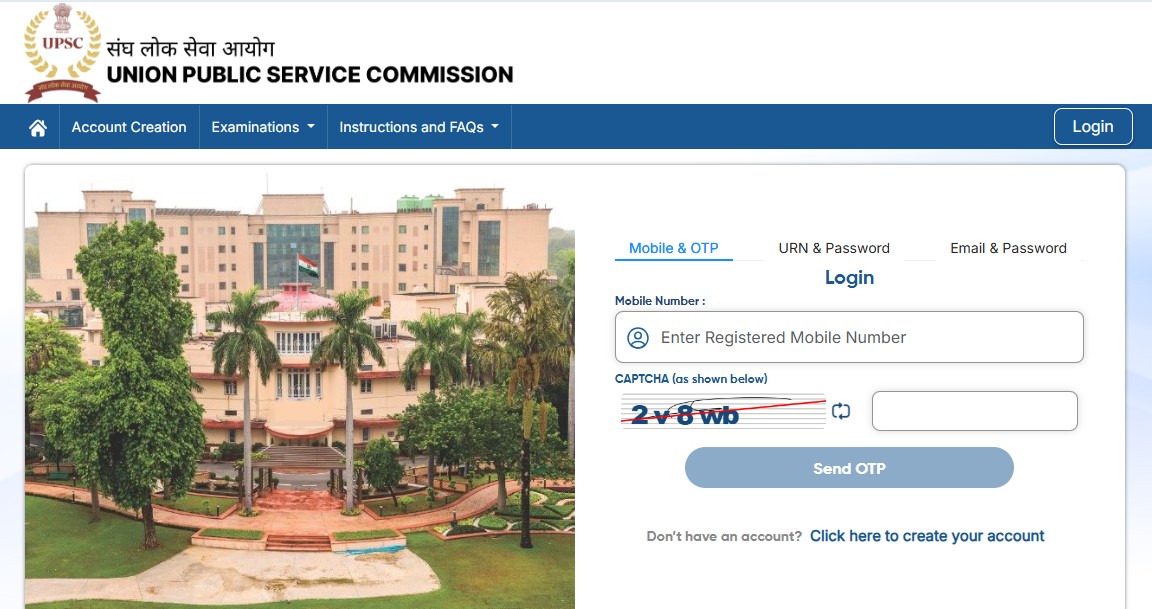
The admit card for the Engineering Services Examination (ESE) 2026 preliminary stage has been officially released by the Union Public Service Commission. Candidates who have registered for the exam can now download their hall ticket from the official website. The ESE 2026 prelims are scheduled to be held on February 8, and this admit card is a mandatory document to appear for the examination. Without it, candidates will not be allowed entry into the exam centre.
I am writing about this development because admit card releases are a crucial checkpoint for serious ESE aspirants. The Engineering Services Examination is one of the most competitive exams in the country, and even a small mistake related to exam timing, reporting rules or stationery can cost a year of preparation. Knowing the exam schedule, reporting time and guidelines well in advance helps candidates stay calm and focus on revision rather than logistics.
ESE 2026 Preliminary Exam Date and Timing
As per the official notification, the ESE 2026 preliminary examination will be conducted on February 8. The exam will be held in a single session in offline mode.
Paper I, which includes General Studies and Engineering Discipline, will be conducted from 2 pm to 5 pm. Candidates are advised to reach the examination centre at least one hour before the reporting time mentioned on their admit card to complete verification and security checks smoothly.
Exam Mode and Answer Marking Instructions
The ESE 2026 prelims will be conducted in offline pen-and-paper mode. Candidates must use only a black ballpoint pen to mark their answers on the OMR sheet. Any other colour pen or pencil is not permitted.
From past experience, I always suggest candidates carry two black ballpoint pens to avoid last-minute trouble. Using the wrong pen or damaging the OMR sheet can lead to unnecessary issues during evaluation.
How to Download UPSC ESE 2026 Admit Card
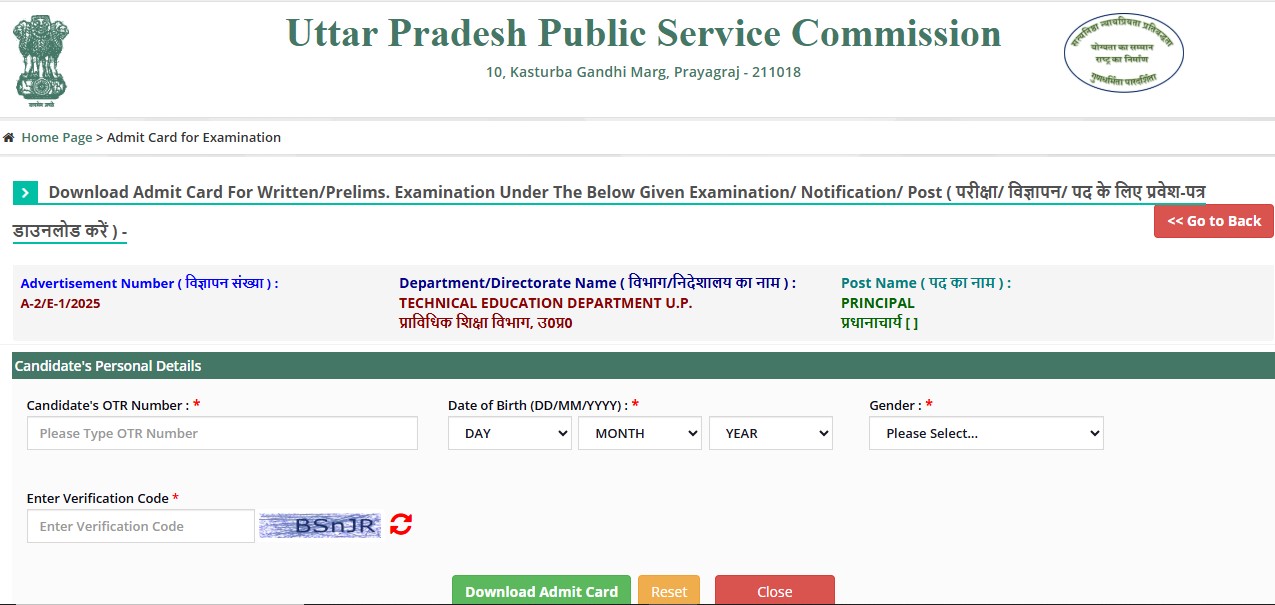
Candidates can download their admit card by following these simple steps:
- Visit the official UPSC website
- Click on the link for ESE 2026 Prelims Admit Card
- Enter registration ID or roll number along with date of birth
- Download and save the admit card
- Take a clear printout for exam day use
Download Admit Card: Click Here
Candidates should carefully check their name, roll number, exam centre and timing details on the admit card.
Important Exam Day Guidelines for Candidates
UPSC has laid down clear instructions that candidates must follow on the exam day:
- Carry a printed copy of the admit card
- Bring a valid photo ID proof
- Reach the centre at least one hour early
- Use only a black ballpoint pen
- Do not carry electronic gadgets, notes or calculators
Failure to follow these instructions may lead to disqualification from the examination.