


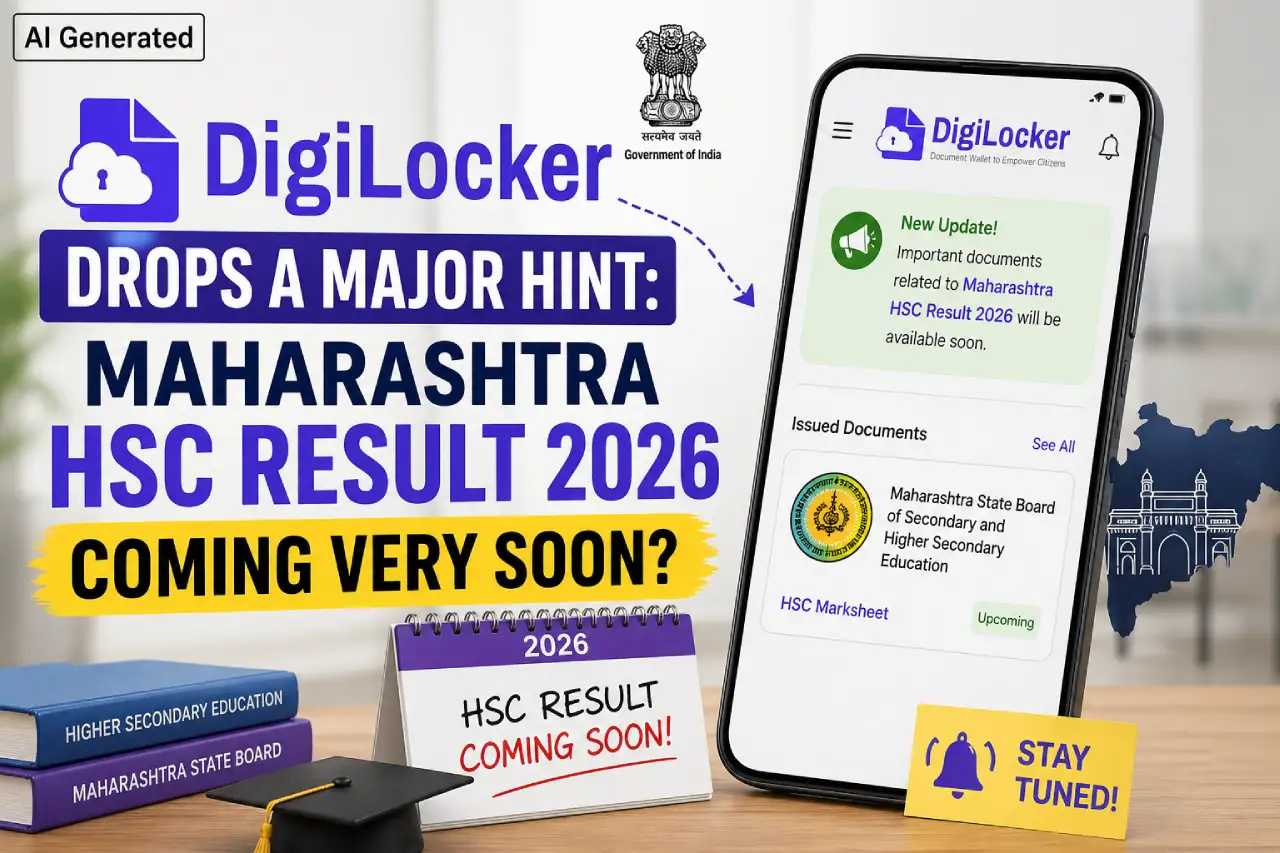
Recently, strong indications have come out suggesting that the Maharashtra State Board of Secondary and Higher Secondary Education may very soon release the Maharashtra HSC Result 2026. A "Maharashtra HSC Result Coming Soon" message is currently visible on the DigiLocker platform, and simultaneously, the result login window has been activated on the Board's official website. Consequently, it is expected that the Class 12 results could be published within the next one to two days. Hundreds of thousands of students are now excitedly awaiting the final announcement.
The HSC result is not merely the outcome of an examination; it is completely linked to the future academic pursuits, college admissions, and career planning of a vast number of students. In my opinion, having previous knowledge of the proper procedure for checking results, specifically how to utilise the official website and DigiLocker, can significantly ease last-minute stress.
This year, the Maharashtra HSC Board Exam 2026 was held from February 10 to March 11, 2026. Approximately 14,17,969 students appeared for the Class 12 examination. The Board has not yet announced an official date for the results. However, according to the latest updates, the final data upload is currently underway, technical verification is in its final stages, DigiLocker has provided a hint regarding the release, and the login window has become active. Based on these developments, it is expected that the results will be published very soon.
Students can check their results through the following channels: the official MSBSHSE website, the DigiLocker app, and the DigiLocker portal. In my opinion, DigiLocker can be an excellent alternative if server traffic is heavy on the day of the result. Checking results typically requires the Roll Number, Seat Number, and Mother’s Name; therefore, keep your admit card useful in advance.
How to check the Maharashtra HSC Result 2026 on the Official Website? (When Result Out)
- First, you need to visit the Board's official website.
- Next, click on the 'Maharashtra HSC Result 2026' link.
- Now, on the following page, enter your Roll Number and your Mother’s First Name (please provide any other necessary information).
- Then, click on the 'Submit' button.
- You will then be able to view your result on the screen.
- Finally, download the PDF and keep a printout for your records.
How to check the Maharashtra HSC Result 2026 on DigiLocker? (When Result Out)
- First, you need to open the DigiLocker app or website.
- Then, you must log in using your mobile number.
- Now, navigate to the 'Search Documents' section.
- Next, select 'Class 12 / HSC Result'.
- Finally, enter your Seat Number or Roll Number in the designated field.
- You will then be able to view and download your digital marksheet.



Comments ( 0)
Leave a Comment
No comments yet. Be the first to comment!